 compu-micro-bioinfo-molecu-net
Blog back end automation-ish
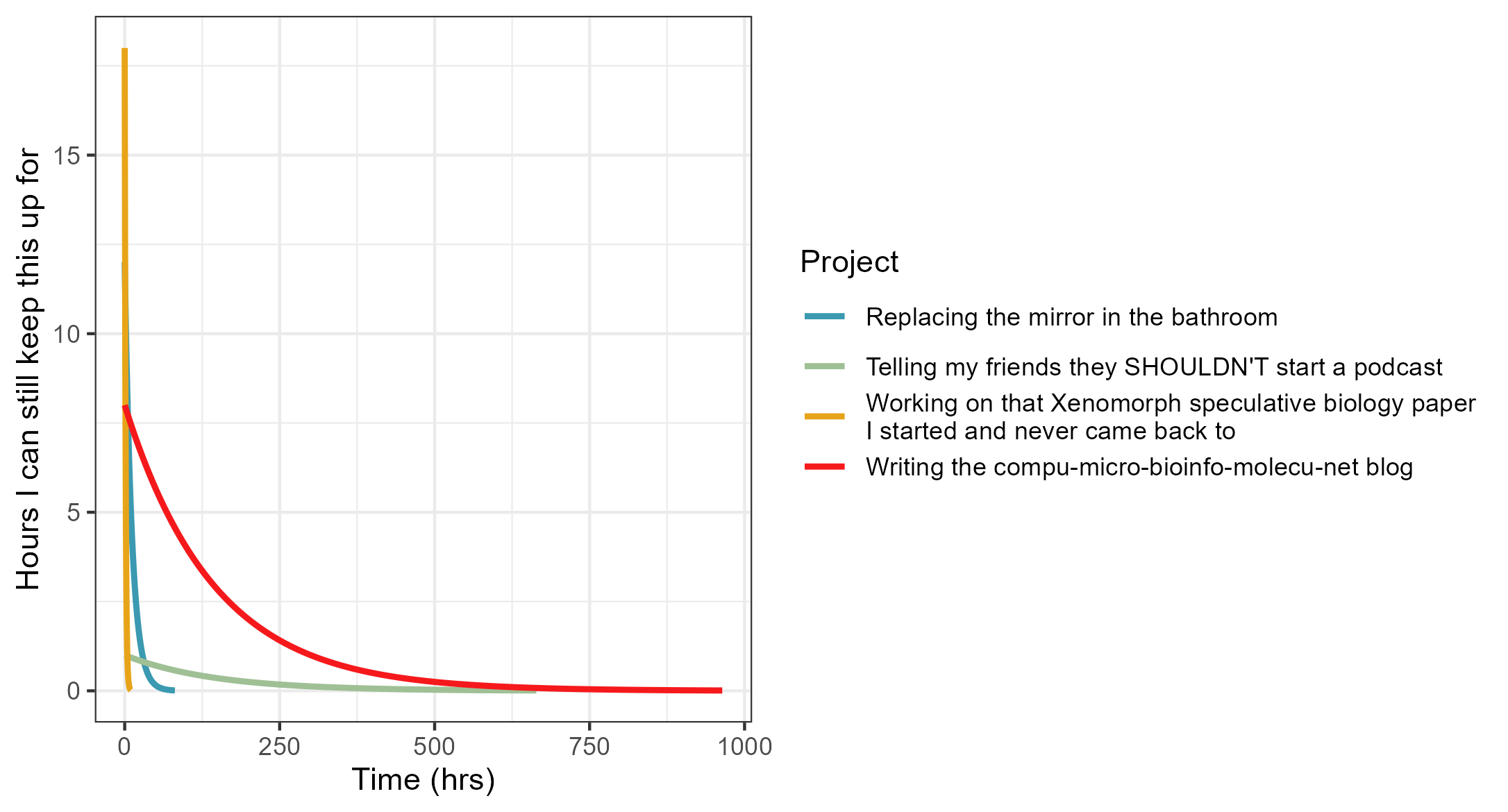
My usual relationship with extra-curricular projects has a half-life that’s measured in single afternoons rather than the desired weeks/months. As such, it was a bit of work figuring out the underlying tooling, workflow and architecture to make the blogging process sticky, yet frictionless as possible. In other words, I wanted to maximise sticktionlessness. For me, that starts with automation.
Setting up the workflow
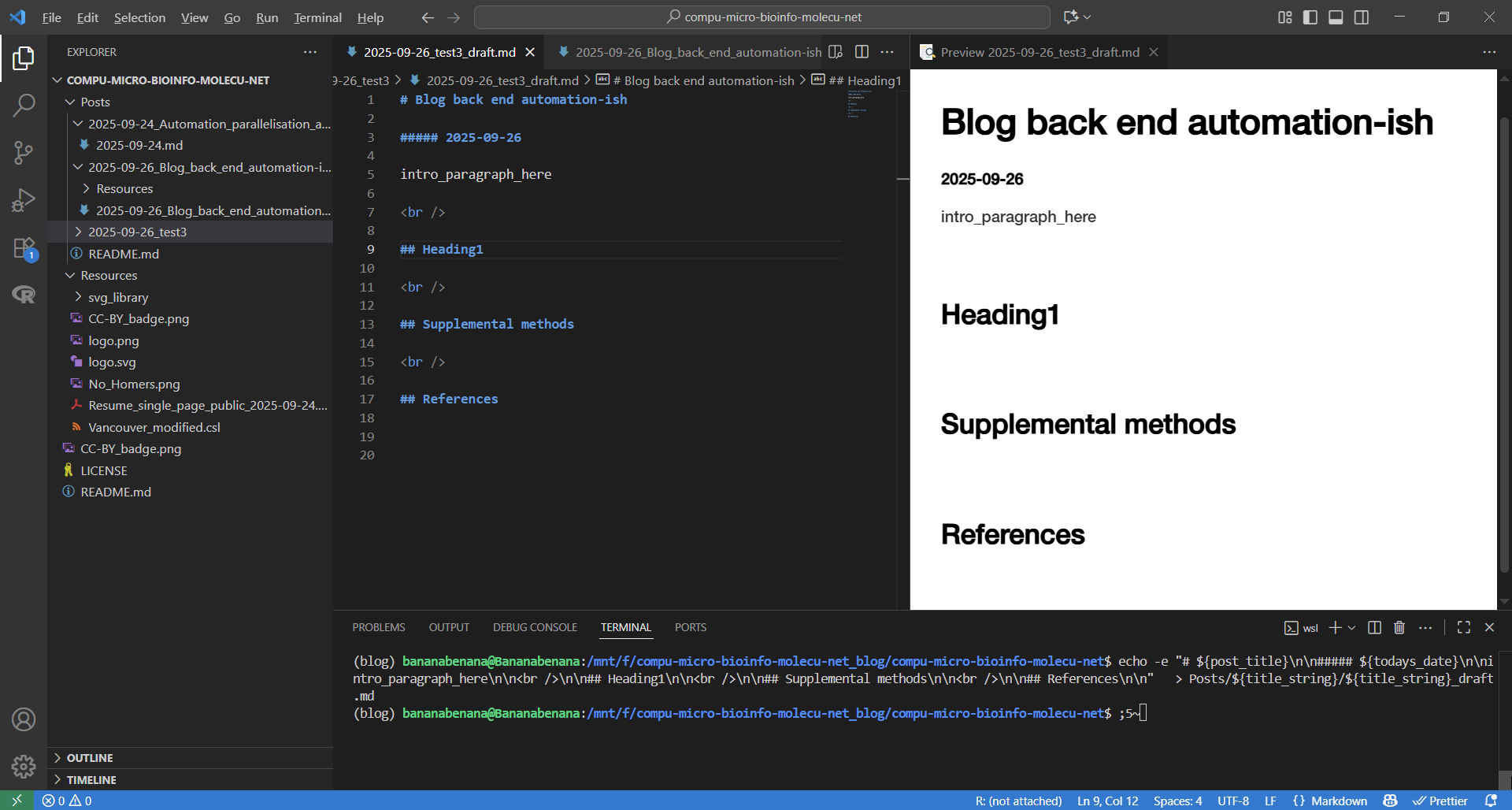
Background: I set this up with git, hosted on GitHub. I run a combination of WSL2 on Windows 10, and Pop_OS! 22.04 for command line interface. Steps:
1. Decide on a post title and alter the todays_title variable, then run the following chunk in terminal:
# Decide on title
todays_title=Blog_back_end_automation-ish

# Go to blog directory
cd compu-micro-bioinfo-molecu-net

# Grab today's date
todays_date=$(date +"%F")

# Generate the title string
title_string=${todays_date}_${todays_title}

## Generate post framework

# Create directory for new post
mkdir -p Posts/${title_string}

# Replace underscores with spaces for the post header
post_title=$(echo "${todays_title}" | sed 's/_/ /g')

# Create markdown file as a draft with headings and date
echo -e "# ${post_title}\n\n##### ${todays_date}\n\nintro_paragraph_here\n\n<br />\n\n## Heading1\n\n<br />\n\n## Supplemental methods\n\n<br />\n\n## References\n\n" \
  > Posts/${title_string}/${title_string}_draft.md
2. Then I have to actually write the post.
- I write in VSCode v1.104.1 (1), with the incredibly helpful Markdown Preview Enhanced v0.8.19 (2) to see the mature markdown in real-time
- Citations are managed with Zotero v7.0.15 (3) with the Better Bibtex for Zotero v7.0.50 plugin (4). The VSCode plugin VSCode Zotero v1.1.1 (5) is used to handle in-text citations and generation of the
references.bib.
3. After painstakingly crafting a blog of the highest calibre - just perfect, perfect in every way - so perfect that it could reverse itself out from beyond a cosmic event horizon, I run pandoc v3.8 (6) using a modified Vancouver.csl file to neatly generate the bibliography in markdown format:
# Installed pandoc
mamba create -y -n blog
mamba install -y -n blog conda-forge::pandoc

# Add bibliography with pandoc and generate the final post
mamba activate blog
pandoc \
  --from=markdown \
  --to=gfm \
  --citeproc \
  --bibliography=references.bib \
  --csl=Resources/Vancouver_modified.csl \
  --wrap=none \
  -o Posts/${title_string}/${title_string}.md \
  Posts/${title_string}/${title_string}_draft.md
4. If everything looks good, the draft is moved out of the repo and it’s perfect imperfections are hurried away from potential readers eyes. The repo is then prepped for git push and the blog post goes live:
# Move the draft out of the repo
mv Posts/${title_string}/${title_string}_draft.md ../Drafts

# Create simlink called README.md so GitHub shows it as a main file, so I can keep the original file name - best of both worlds
ln -s ${title_string}.md Posts/${title_string}/README.md

# Move references file generated by VSCode Zotero in the root directory into the posts' Resource directory
mv references.bib Posts/${title_string}/Resources

# Update archive table in Post/README.md
sed -i "6 i |[${post_title}](${title_string}) | ${todays_date} |" Posts/README.md

# Add everything to repo
git add .

# Commit changes
git commit -m "Post: ${title_string}"

# Push to main
git push origin main
5. The post is now live:
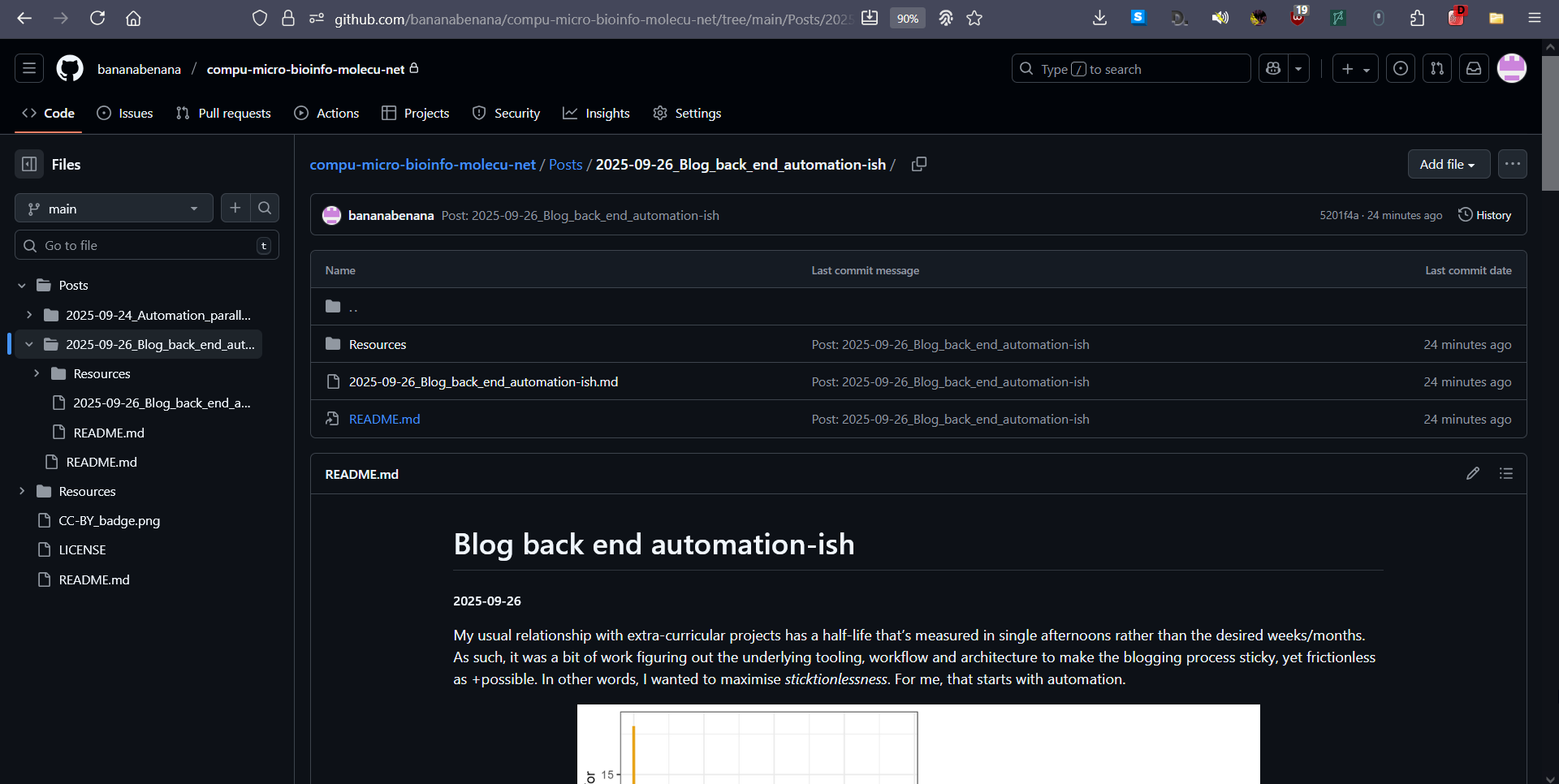
As a result of this development, I made a stupidly high number of test commits to this repo to experiment with the visual style that I was happy with and that GitHub would correctly display in browser. While I don’t love coding, I am obsessed what it allows me to do: less overall work. So, is this process overengineered? Probably. Was it worth the challenge to set this up and have systems in place? Yes. Always yes. Anything to maximise sticktionlessness.
Supplemental methods
Data and project half-life figure generated using R v4.4.2 (7), RStudio v2024.12.1 (8), rstudioapi v0.17.1 (9), tidyverse v2.0.0 (10) and colorspace v2.1-1 (11). All figures and code in the Vector images drawn in Inkscape v1.3.2 (6). All figures and code in assets. directory.
Comments